Why Does My Phone Charge Slowly Even With a Fast Charger?
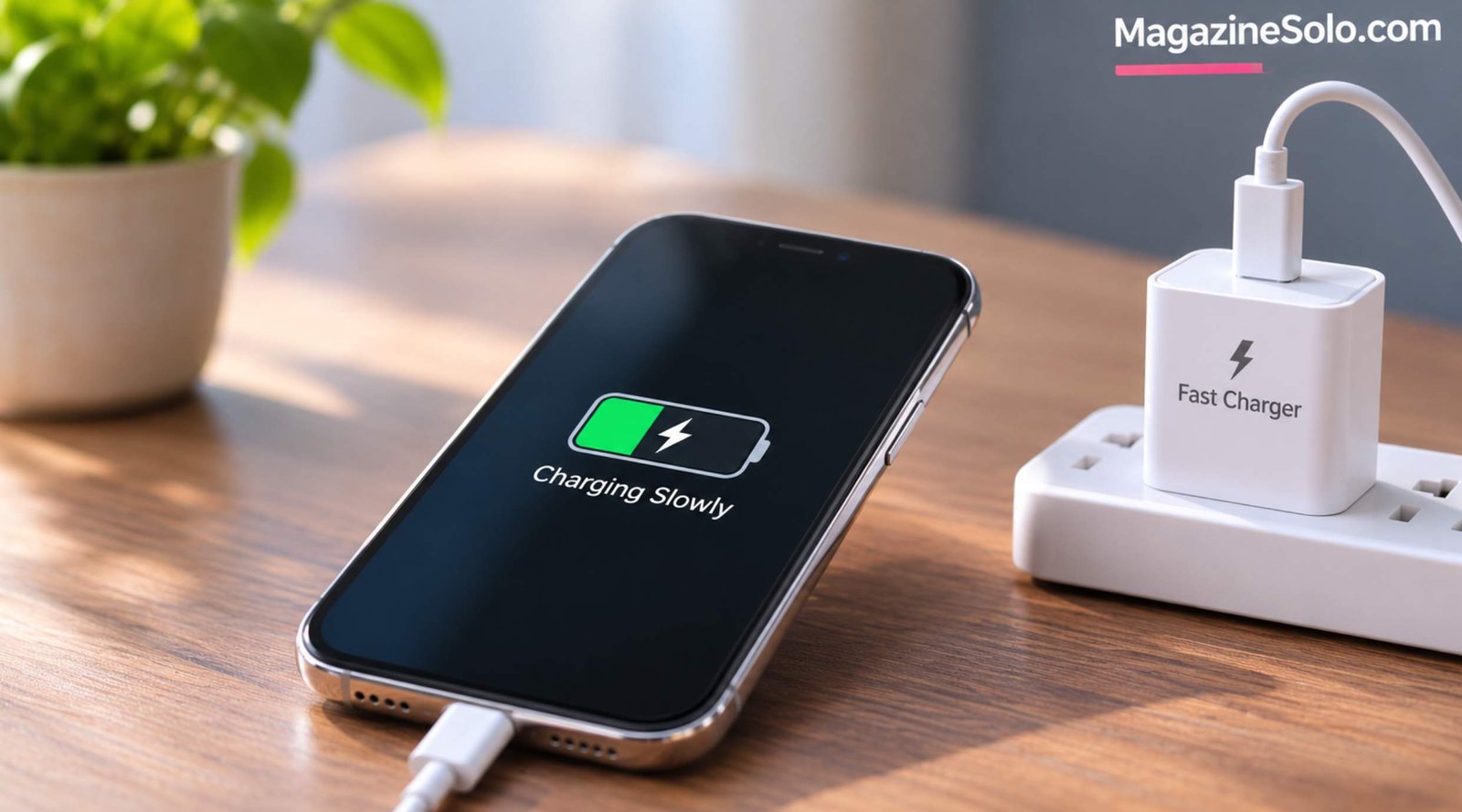
You plug your smartphone into a fast charger expecting a quick battery boost. But after 30 minutes, the battery percentage has barely increased.
The charger says 25W, 45W, or even 65W. Your phone displays a charging symbol, yet charging takes much longer than expected.
If your phone is charging slowly with a fast charger, the problem isn’t necessarily the charging adapter.
Your cable, charging port, battery temperature, phone settings, and device compatibility can all affect charging speed.
The good news is that many slow-charging problems can be identified without replacing your phone.
This guide explains 10 common reasons fast charging may not work as expected, how to troubleshoot them safely, and when professional repair may be necessary.
Why Is My Phone Charging Slowly Even With a Fast Charger?
Fast charging requires several components to work together.
These include:
- A compatible smartphone
- A suitable charging adapter
- A cable capable of supporting the required power
- A properly functioning charging port
- Safe battery temperature
- Compatible charging protocols
- Appropriate battery management settings
If one component limits the charging process, the phone may charge at a lower speed.
For example, a 65W adapter does not automatically make a phone charge at 65W.
The phone must support the relevant charging power and protocol.
According to USB Implementers Forum, USB Power Delivery provides a standardized framework for negotiating power between compatible devices.
However, some manufacturers also use proprietary fast-charging technologies.
1. Your Charging Cable May Be Limiting Power
A charging cable can affect how much power reaches your phone.
Not every USB-C cable supports the same current, data capabilities, or charging specifications.
A cable may also become damaged through repeated bending or wear.
Signs of a Cable Problem
- Charging speed changes when the cable moves
- The phone repeatedly connects and disconnects
- Fast charging works with another cable
- The connector feels loose
- The cable shows visible damage
How to Fix It
Try a different cable approved for your phone and charger.
Use a cable rated for the charging power your device requires.
Avoid damaged or poorly made cables.
If changing the cable restores fast charging, the original cable may have been responsible.
2. Your Charger May Not Support Your Phone’s Fast-Charging Standard
A charger advertised as fast does not necessarily support every smartphone’s maximum charging speed.
Different devices may require different combinations of charging protocols.
For example:
- USB Power Delivery
- USB PD Programmable Power Supply (PPS)
- Manufacturer-specific fast-charging systems
Some Samsung devices use USB PD PPS for certain higher-speed charging modes.
Other manufacturers may require compatible proprietary chargers and cables.
How to Check Compatibility
Look up your phone’s official charging specifications.
Check the adapter’s supported output profiles.
Confirm whether the necessary charging protocol is supported.
Use manufacturer-approved accessories when appropriate.
Important: A charger with a higher wattage rating is not automatically faster if the phone cannot use that additional power.
3. Your Phone May Be Too Hot
Smartphones use temperature management systems to protect their batteries.
When the battery becomes too warm, the device may reduce charging power or temporarily pause charging.
Common Causes of Excessive Heat
- Charging in direct sunlight
- Playing demanding games while charging
- Using navigation for long periods
- Charging in a hot vehicle
- Poor ventilation
- Heavy background activity
What Can Help?
Move your phone to a cooler, shaded environment.
Stop demanding activities temporarily.
Remove a case if the manufacturer recommends doing so.
Allow the device to return to a normal temperature before continuing.
Never place a hot phone in a refrigerator or freezer.
Apple explains how temperature can affect charging in its iPhone temperature guidance.
4. Your Battery Is Already Near Full
Fast charging usually doesn’t maintain maximum power throughout the entire charging session.
Charging often slows as the battery approaches full capacity.
This is part of normal battery management.
Why Does Charging Slow After 80%?
Many smartphones reduce charging power at higher battery levels to manage heat, battery stress, and safety.
The exact behavior varies by device.
Some phones also use optimized charging features that delay charging beyond a certain level.
What Should You Do?
Compare charging speed at a lower battery percentage.
Check whether battery protection or optimized charging features are enabled.
Avoid assuming that slower charging near 100% indicates a faulty charger.
5. Your Charging Port May Be Dirty or Damaged
Dust, lint, or debris inside a charging port can prevent a connector from fitting properly.
This may cause intermittent charging or reduce connection reliability.
Possible Warning Signs
- Cable doesn’t fit securely
- Charging stops when the phone moves
- Fast charging works inconsistently
- Connector doesn’t insert fully
- Visible debris is present
How to Fix It Safely
Disconnect the charger.
Inspect the port carefully using adequate lighting.
Follow the phone manufacturer’s official cleaning instructions.
Avoid inserting metal objects, liquids, or sharp tools into the charging port.
If the connector is damaged or the port appears loose, seek professional repair.
6. Background Apps May Be Consuming Power
Your phone can continue using energy while charging.
If demanding applications are running, some of the incoming power is consumed immediately.
This can make the battery percentage increase more slowly.
Activities That Can Increase Power Consumption
- Mobile gaming
- Video recording
- Video calls
- GPS navigation
- Large downloads
- Intensive background processing
What Can Help?
Close demanding applications when appropriate.
Turn off the screen during charging.
Avoid gaming while charging if the device becomes hot.
Restart the phone if background activity appears abnormal.
Remember that closing every background application is not always necessary or beneficial.
7. Battery Protection Settings May Limit Charging
Many smartphones include features designed to reduce battery wear.
Depending on the device, these may include:
- Optimized Battery Charging
- Adaptive Charging
- Battery Protection
- Charging limits
- Scheduled charging
These features may delay charging, limit the maximum charge level, or adjust charging behavior.
On iPhone
Check Settings > Battery for charging-related options.
The available controls depend on the iPhone model and iOS version.
For official information, see Apple’s iPhone battery and charging guidance.
On Android
Look under Settings > Battery or Battery and Device Care.
Names and availability vary by manufacturer.
Check your device’s official documentation before changing settings.
8. Your Power Source May Be Too Weak
Not every power source can deliver the same charging power.
A phone connected to a laptop’s USB port may charge more slowly than when connected to a compatible wall adapter.
Common Power Sources
| Power Source | Charging Behavior |
|---|---|
| Compatible fast wall charger | May support the phone’s maximum wired charging speed |
| Standard USB wall charger | May provide lower charging power |
| Laptop USB port | Depends on the port’s power capabilities |
| USB hub | Depends on available power and design |
| Power bank | Depends on supported output protocols and wattage |
| Wireless charger | Depends on phone, charger, alignment, and temperature |
For the best comparison, test with a compatible wall charger connected to a properly functioning outlet.
9. Software Problems May Affect Charging
Smartphone software controls important aspects of battery management.
Occasionally, software bugs or temporary system problems may affect charging behavior.
Troubleshooting Steps
Restart your phone.
Check for available system updates.
Review battery settings.
Test charging after restarting.
Compare behavior using a known-compatible charger and cable.
If charging problems began immediately after an update, check the manufacturer’s support information.
Avoid installing unofficial charging booster applications that promise unrealistic improvements.
10. Your Battery or Charging Hardware May Be Aging
Rechargeable batteries gradually lose capacity as they age.
However, reduced battery capacity and slow charging are not the same problem.
A phone may charge slowly because of battery management, damaged charging components, or other hardware faults.
Signs That Need Attention
- Unexpected shutdowns
- Unusual overheating
- Swollen battery
- Charging that repeatedly stops
- Severe battery performance deterioration
- Persistent charging failure with known-good accessories
If the battery appears swollen, stop using and charging the phone and arrange professional service.
Do not attempt to puncture, compress, or repair a swollen lithium-ion battery.
How to Make Your Phone Charge Faster
Try the following troubleshooting sequence.
Step 1: Use a Compatible Charger
Check your phone’s supported charging specifications.
Step 2: Test Another Cable
Use a reliable cable rated for the required power.
Step 3: Let the Phone Cool Down
Avoid charging in excessive heat.
Step 4: Stop Demanding Activities
Pause games, navigation, and other power-intensive tasks.
Step 5: Restart Your Phone
This may resolve temporary software issues.
Step 6: Review Battery Settings
Check whether charging limits or scheduled charging are enabled.
Step 7: Test at a Lower Battery Percentage
Charging naturally slows near full capacity.
Step 8: Inspect the Charging Port
Look for damage or obvious debris without inserting unsafe tools.
Step 9: Update Your Software
Install appropriate official updates.
Step 10: Seek Professional Support
If the issue continues, contact the manufacturer or a qualified repair provider.
Why Is My Samsung Phone Charging Slowly With a 25W or 45W Charger?
Samsung charging speeds depend on the phone model, charger compatibility, cable specifications, and charging conditions.
A charger labeled 45W doesn’t guarantee that every Samsung phone will charge at 45W.
Some models require USB PD PPS compatibility to support certain fast-charging modes.
A suitable cable may also be necessary.
What to Check
Confirm your exact Galaxy model’s supported charging power.
Use a compatible adapter and cable.
Review charging settings.
Check for overheating.
Test charging at a lower battery percentage.
For device-specific help, visit Samsung Support.
Why Is My iPhone Charging Slowly With a USB-C Charger?
iPhone charging speed depends on the model, power adapter, cable, battery temperature, and charging conditions.
USB-C connectivity alone doesn’t guarantee maximum charging performance.
What to Try
Use a compatible USB-C power adapter.
Check the cable.
Avoid charging in excessive heat.
Review optimized charging settings.
Update iOS when appropriate.
For official device guidance, visit Apple Support.
Why Does My Phone Charge Slowly After 80%?
Charging power often decreases as a battery approaches full capacity.
This helps manage battery temperature and charging stress.
Some phones may also delay charging above a certain level through battery protection features.
If charging is fast at lower percentages but slower near full charge, that may be normal.
Can Using Your Phone While Charging Make It Slower?
Yes.
Your phone continues consuming energy while it charges.
Demanding activities can reduce the rate at which the displayed battery percentage increases.
They may also generate heat, potentially causing the phone to limit charging power.
For the clearest comparison, charge the phone with the screen off and avoid intensive tasks.
Is Fast Charging Bad for Battery Health?
Modern smartphones use battery management systems to regulate charging.
Compatible fast charging is designed to operate within the device’s supported limits.
However, heat and battery aging remain important factors.
Battery Care Tips
Use compatible charging accessories.
Avoid excessive heat.
Don’t use visibly damaged cables.
Follow the manufacturer’s charging recommendations.
Replace a damaged or swollen battery through a qualified service provider.
Fast Charging vs. Normal Charging
| Feature | Fast Charging | Standard Charging |
|---|---|---|
| Power Delivery | Potentially higher | Usually lower |
| Charging Time | Often shorter | Often longer |
| Compatibility | May require specific protocols | Usually broadly supported |
| Heat Management | Important | Still important |
| Maximum Speed | Limited by phone and conditions | Limited by phone and source |
Actual charging times vary considerably.
Can a Cheap Charging Cable Cause Slow Charging?
Yes, if the cable cannot reliably support the required power or is poorly constructed.
However, price alone doesn’t determine quality.
Look for reputable, appropriately rated cables that meet your phone’s charging requirements.
Avoid counterfeit or damaged charging accessories.
Why Does My Phone Say Fast Charging but Charge Slowly?
A fast-charging indicator may confirm that a compatible charging mode is available.
It does not necessarily mean the phone is receiving maximum power at every moment.
Battery percentage, temperature, background activity, and battery management can all influence actual charging speed.
Does Airplane Mode Make a Phone Charge Faster?
Airplane mode may reduce some wireless activity and power consumption.
However, the improvement may be small, especially when the phone is otherwise idle.
It does not increase the phone’s maximum supported charging power.
When Should You Replace Your Charger?
Consider replacing a charger if:
- It is visibly damaged.
- It overheats abnormally.
- It repeatedly disconnects.
- It fails to charge multiple compatible devices.
- Its specifications don’t meet your phone’s requirements.
Stop using equipment that shows signs of electrical damage, burning, or melting.
Related Technology Troubleshooting
Charging problems aren’t the only frustrating smartphone issue.
If your phone also experiences unreliable internet connectivity, read our related MagazineSolo guide:
Why Does My Phone Wi-Fi Keep Disconnecting While Other Devices Work?
That article covers wireless signal problems, network settings, router compatibility, and practical Android and iPhone troubleshooting steps.
Frequently Asked Questions
Why is my phone charging slowly with a fast charger?
Possible causes include an incompatible cable, charging protocol mismatch, overheating, battery protection settings, or hardware problems.
Can a 65W charger charge a 25W phone faster?
Not beyond the phone’s supported charging limits. The charger and phone must also support compatible power delivery.
Why does my phone charge fast at first and then slow down?
Charging power often decreases as the battery percentage rises or when temperature management becomes necessary.
Does a damaged USB-C cable affect charging speed?
Yes. A damaged or unsuitable cable may cause unreliable or slower charging.
Can a dirty charging port cause slow charging?
Yes. Debris can interfere with a reliable connection, although port cleaning should follow manufacturer guidance.
Is it safe to use a higher-wattage charger?
A reputable, standards-compliant, compatible charger can generally supply power according to the device’s negotiated requirements. Always follow manufacturer recommendations.
Why does my phone charge slowly overnight?
Optimized charging features may intentionally delay charging. Other possible factors include power source limitations and temperature.
Can battery health affect charging speed?
Battery condition and management can influence charging behavior, but slow charging alone does not confirm battery failure.
Does turning off my phone make charging faster?
It may reduce power consumption during charging, but it won’t increase the device’s maximum supported charging power.
Should I replace my phone if fast charging stops working?
Not immediately. First test compatible accessories, software settings, temperature, and the charging port.
Final Thoughts
If your phone is charging slowly even with a fast charger, start by checking the charging cable and adapter compatibility.
Next, consider battery temperature, charging settings, background activity, and the condition of the charging port.
Remember that maximum charging power is not maintained throughout the entire charging process.
Many charging issues can be resolved through straightforward troubleshooting.
However, persistent failures, abnormal overheating, or physical battery damage should be assessed by a qualified professional.
For further technical guidance, consult USB-IF, Apple Support, and Samsung Support.

Washim is a lifestyle and entertainment writer at MagazineSolo, specializing in fashion, beauty, wellness, celebrity trends, and modern living. She enjoys exploring fresh ideas and turning complex topics into engaging, reader-friendly stories. Her goal is to inspire readers with useful tips, creative insights, and informative articles.